
Gmail on Mac
The Gmail app for Mac that Google never made
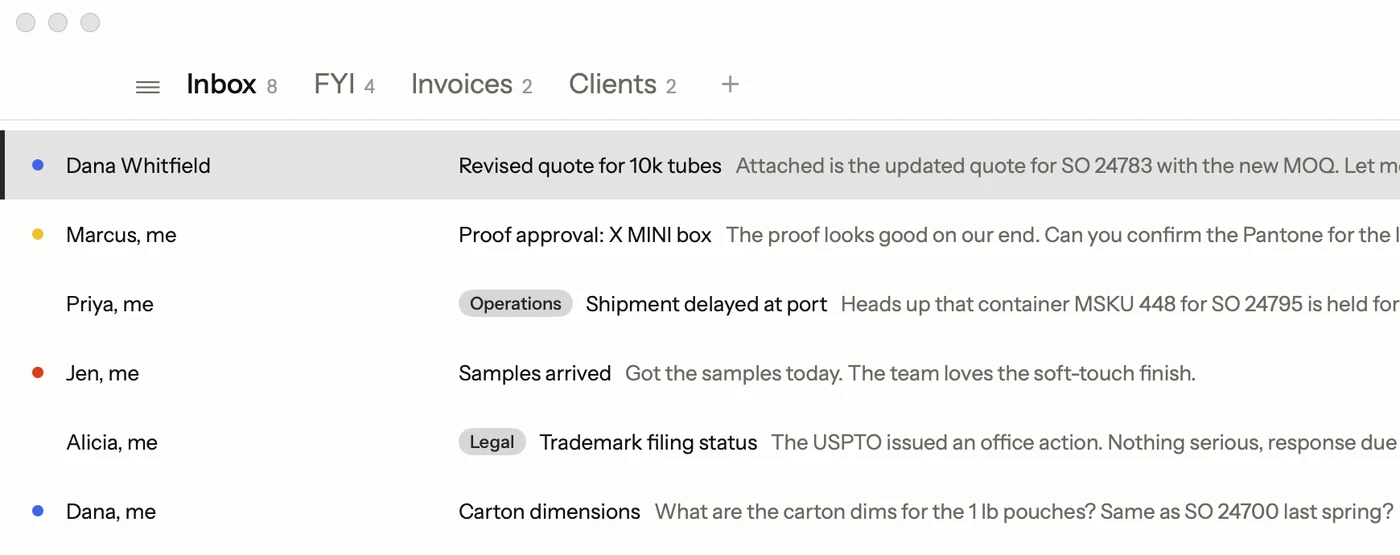
Google doesn't make a Gmail app for Mac. Postal is a free, native one: every action on a key, inbox tabs you set up, and mail that stays between you and Google.
Join the waitlistFree · Mac app for Gmail
Search the Mac App Store for Gmail and you won't find Google. Google makes Gmail apps for iPhone and Android, but on a Mac it gives you a browser tab. That's why so many people live in a pinned Chrome tab, or put up with Apple Mail.
You have a few real options for Gmail on a Mac: keep using the website, turn the website into a Dock app, use an app that handles every kind of email, or use one built only for Gmail. Postal is the last kind, and it's free.
The quick fix: Gmail as a Dock app
If you only want Gmail out of your browser tabs, Safari can do it today. On macOS Sonoma or later, open Gmail in Safari, then choose File, then Add to Dock. Gmail gets its own window and Dock icon. It's still the website inside, with the same keys and settings, but it's free and takes ten seconds. Apple's steps cover it.
Your options, side by side
| Gmail in a browser or Dock app | Apple Mail | Postal | |
|---|---|---|---|
| Price | Free | Free, built in | Free |
| A real Mac app | No, a web page | Yes | Yes |
| Gmail labels | Yes | Shown as folders | Yes, and as inbox tabs |
| Single-key shortcuts | After you turn them on | Few | Yes, plus ⌘K for every command |
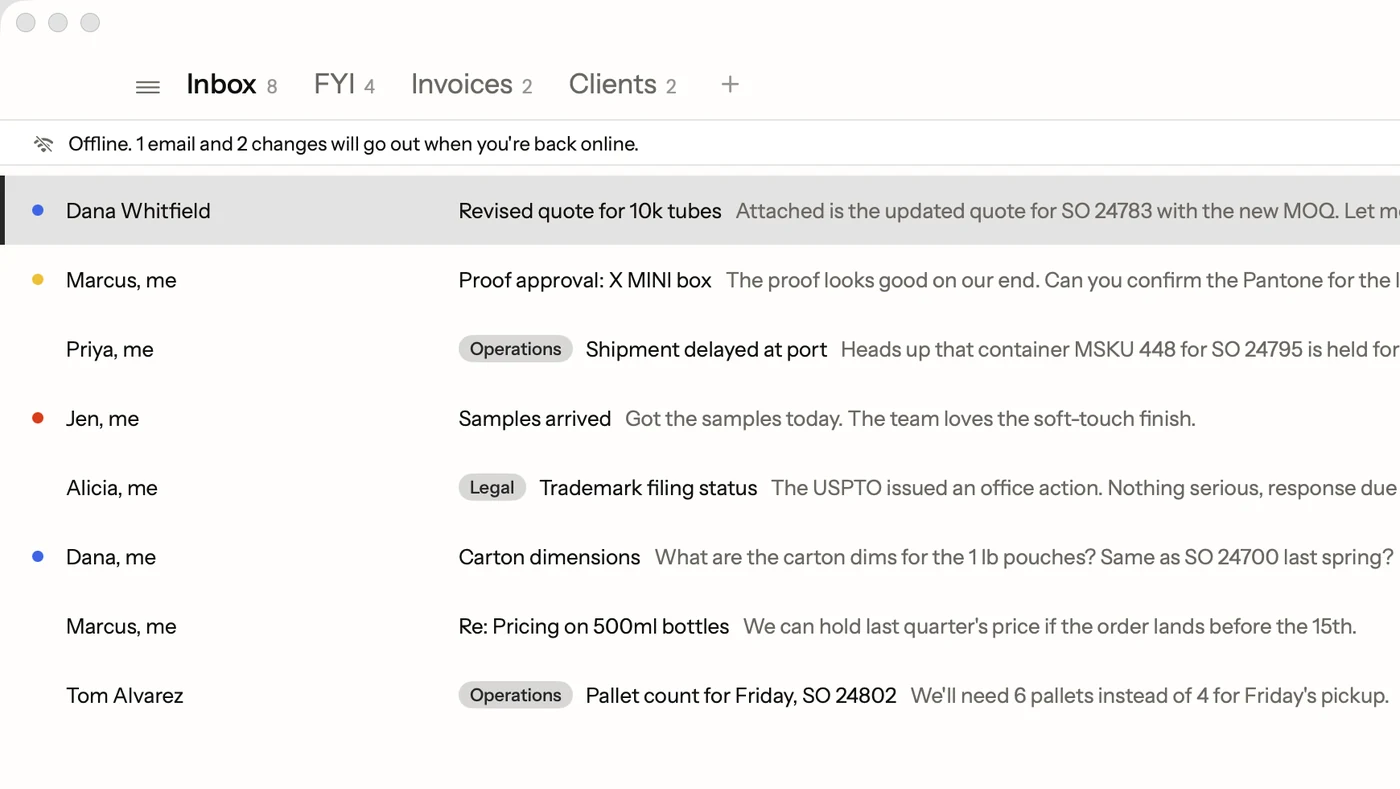
| Works offline | In Chrome only, not the Dock app | Yes | Yes |
| Tracking pictures | Load unless you turn pictures off | Masked when Protect Mail Activity is on | Known trackers never load |
Why a Gmail-only app is different
Many Mac email apps, Apple Mail among them, talk to Gmail the old way: over IMAP, the standard every mail server speaks. Gmail's labels then turn into folders, an email with three labels shows up in three folders, and archive works like Gmail's only while Mail's archive mailbox is All Mail (more on that).
Postal talks to Gmail through Gmail's own connection, so labels stay labels, archive means archive, and labels, stars and archive show up the same way in Gmail on the web and on your phone.
What you get
- Every action on a key. E archives, R replies, H hides an email until later, / searches. ⌘K lists every other command with its key.
- An inbox split the way you think. Alerts and newsletters move to an FYI tab. Make your own tabs from Gmail labels, like Invoices or Clients, and Tab moves between them.
- All your accounts together. Add several Gmail and Google Workspace accounts and see them in one list with ⌃0.
- Search in plain words. Type "the PDF Dana sent last week" and Postal turns it into the right Gmail search, worked out on your Mac. See Gmail search operators.
- The basics, done right. Undo Send, a check for forgotten attachments, your Gmail signature, aliases, and replies that go out from the address the email came to.
- A look you pick. Light or dark, a theme, an accent color, and text as big as you need.
Your mail stays with Google
Postal signs in on Google's own page. Your password never reaches us, and Google shows you exactly what the app may do before you allow it. After that your mail goes only between your Mac and Google. We don't run a server that holds it, so we never see it.
What you need
A Mac with macOS 15 or later and a Gmail or Google Workspace account. AI search and Smart Compose also need macOS 26 with Apple Intelligence turned on. Postal for iPhone is on TestFlight, and your settings and text shortcuts follow you between the two through your own iCloud.
Facts on this page checked . Other apps change; their own sites have the latest.
Join Postal's free waitlist
Leave your email and click the link we send to confirm it. Everyone confirmed by Tuesday at 10 AM Pacific gets an invite that day, and we help each one get set up.
Free · macOS 15 or later · Gmail and Google Workspace. The iPhone app is on TestFlight. How we use your email