
Postal vs. Apple Mail
Apple Mail with Gmail, and a better fit for it
Apple Mail shows Gmail labels as folders, so one email can sit in several and archive can land in the wrong place. Why, the fix, and a Mac app made for Gmail.
Join the waitlistFree · Mac app for Gmail
Apple Mail is already on your Mac, it's free, and it handles iCloud, Outlook and Gmail in one place. For a lot of people that's enough. But if most of your mail is Gmail, you've probably hit the places where the two don't quite agree.
Why Gmail feels off in Apple Mail
Apple Mail connects to Gmail over IMAP, the standard almost every mail server speaks. IMAP has folders. Gmail doesn't; it has labels, and one email can wear several. So Apple Mail shows each label as a folder:
- An email with three labels appears in three folders. It's one email, shown three times.
- Archive matches Gmail's (out of the inbox, nothing else) when Mail's Archive Mailbox is Gmail's All Mail. Mail usually picks that by itself; if it's set to another mailbox, archiving files the email there instead.
- Gmail's All Mail, Important and Starred show up as folders of their own.
- Gmail features like inbox categories, snooze and its search words don't carry over.
None of this is a bug in either app. They speak different languages, and IMAP is the one they share.
Making Apple Mail behave better
If you're staying with Apple Mail, a few settings help:
- If archiving files mail in the wrong place: in Mail's Settings, under Accounts, pick your Gmail account, then Mailbox Behaviors, and check that Archive Mailbox is Gmail's All Mail.
- In Gmail on the web, open Settings, then Labels, and uncheck Show in IMAP for labels you don't want in Mail, so they stop crowding the sidebar.
- Turn on Protect Mail Activity under Privacy, so senders can't tell when you open their email.
Or use an app that speaks Gmail
Postal is a free Mac app made only for Gmail and Google Workspace. It talks to Gmail through Gmail's own connection, so it never has to pretend labels are folders.
- Labels are labels. L adds or removes them, V moves an email to one and out of the inbox. One email, wherever it's labeled.
- Archive means archive. E takes the email out of your inbox and nothing else, exactly as Gmail does.
- Labels can become tabs. Turn any label into a tab across the top of your inbox, add Gmail's categories as tabs, and let alerts and newsletters gather in FYI.
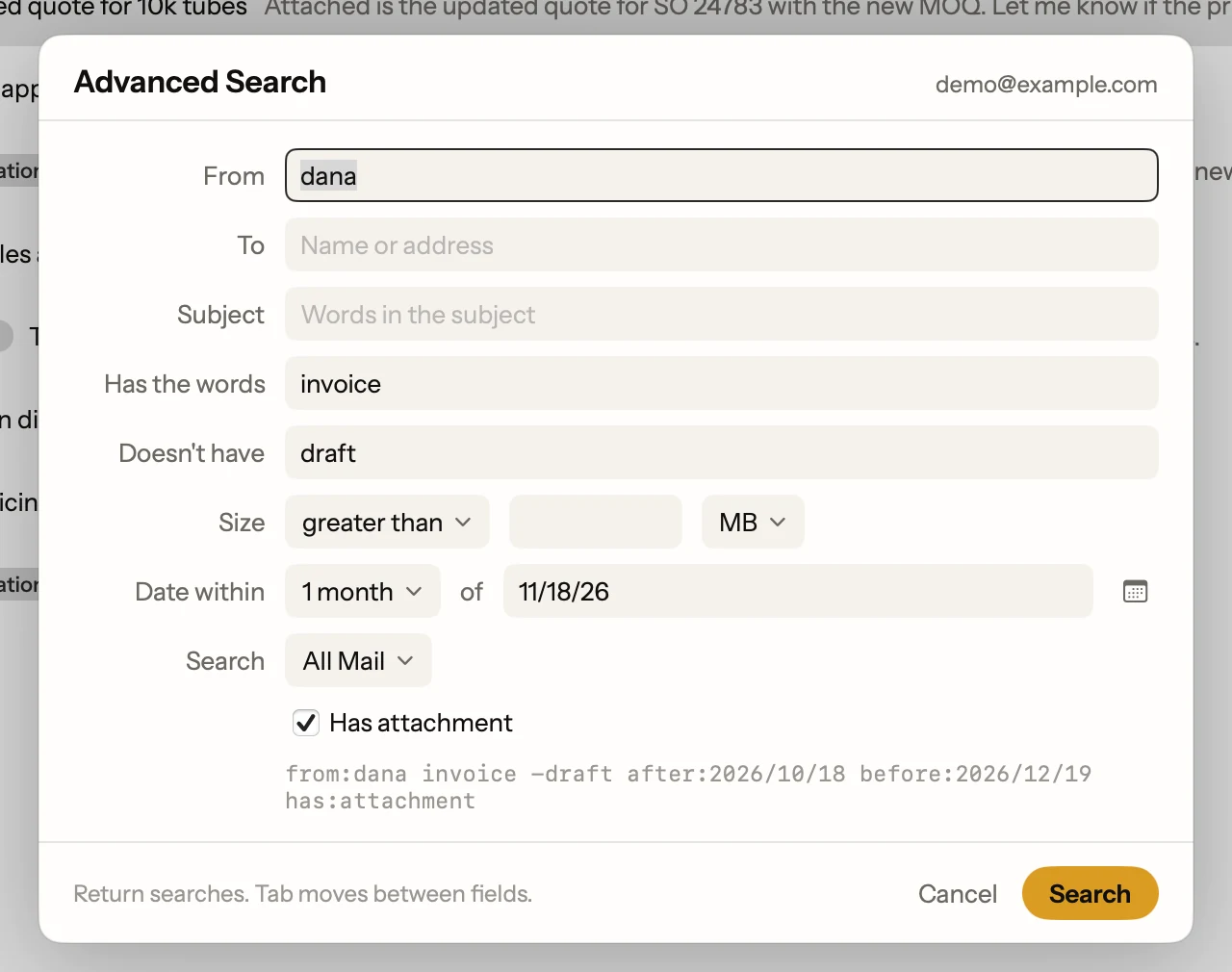
- Gmail's search words work.
from:,has:attachment,after:and the rest, or type a plain sentence and let Postal write the search. - Remind Me instead of snooze. H hides an email until the time you pick. It's Postal's own reminder, so Gmail on the web shows the email as archived until it comes back.
What Apple Mail still does better
Apple Mail handles iCloud, Outlook and any other mail account, and it's already installed. Postal is Gmail only. If you have one Gmail account among several others, Mail may still be the right home. If your mail is all Gmail and Google Workspace, an app built for it will feel lighter.
You can run both. Postal and Apple Mail read the same Gmail account, so there's nothing to move. Just know they share it: archive or delete in one, and the other sees it too.
Facts on this page checked . Other apps change; their own sites have the latest.
Join Postal's free waitlist
Leave your email and click the link we send to confirm it. Everyone confirmed by Tuesday at 10 AM Pacific gets an invite that day, and we help each one get set up.
Free · macOS 15 or later · Gmail and Google Workspace. The iPhone app is on TestFlight. How we use your email